

Description
Download Hamster Free eBook Converter – eBook converter, eBook format converter, eBook to PDF, eBook to EPUB, eBook to MOBI, eBook to AZW3, eBook to TXT, eBook converter for Windows
Overview
Hamster Free eBook Converter is a dedicated utility designed to simplify the process of transforming digital books across multiple formats. This free application serves as a bridge between incompatible eBook formats, enabling users to access their digital reading material on a variety of devices regardless of native format support. The app is particularly valuable for readers who frequently switch between e-readers, tablets, or smartphones, each of which may require a different file type. By converting files such as EPUB, MOBI, AZW3, and TXT into more universally accepted formats like PDF or EPUB, the tool eliminates format-related barriers to seamless reading.
Target users include avid readers, digital library enthusiasts, and professionals who manage large volumes of electronic documents. The app’s focus on compatibility and ease of use makes it suitable for both casual users and those with limited technical experience. While the developer, HamsterSoft, is not described in detail, the app’s release date of May 10, 2024, suggests it is a recent addition to the productivity software landscape. The application is optimized for Windows, indicating its intended use within desktop environments. Real-world applications include preparing books for reading on non-native devices, organizing digital archives, or sharing content with others who use different e-readers.
Within the broader ecosystem of digital reading tools, Hamster Free eBook Converter fills a niche by offering a lightweight, no-cost solution to a common problem. Its ability to convert files without requiring complex setup or subscriptions adds to its appeal. The developer did not provide additional technical details, but the app’s size of 4.8 MB suggests a streamlined design focused on core functionality.
Key Features & Functionality
- Broad Format Compatibility: The app supports conversion between multiple eBook formats, including EPUB, MOBI, AZW3, TXT, and PDF. This flexibility ensures that users can adapt their content to match the requirements of any reading device, from e-readers to mobile apps.
- Simple Conversion Process: Users can initiate conversions with minimal steps—select the source file, choose the desired output format, and start the process. The interface is designed for intuitive use, allowing even non-technical users to complete conversions quickly and accurately.
- Multilingual Interface: Available in over 40 languages, the app accommodates a global user base. This feature enhances accessibility for non-English speakers and supports international readers who rely on localized software interfaces.
- Format Optimization: The converter maintains formatting integrity during conversion, preserving layout, fonts, and images where possible. This ensures that the reading experience remains consistent across devices.
- Batch Processing Capability: The tool allows users to convert multiple files at once, improving efficiency when managing large collections of eBooks.
For example, a user with a collection of MOBI files from Amazon Kindle can convert them to EPUB for use on a different e-reader. Similarly, a student preparing study materials in TXT format can convert them to PDF for better visual organization. The app’s ability to handle such tasks without external dependencies makes it a practical choice for digital content management.
Interface, UX & Performance
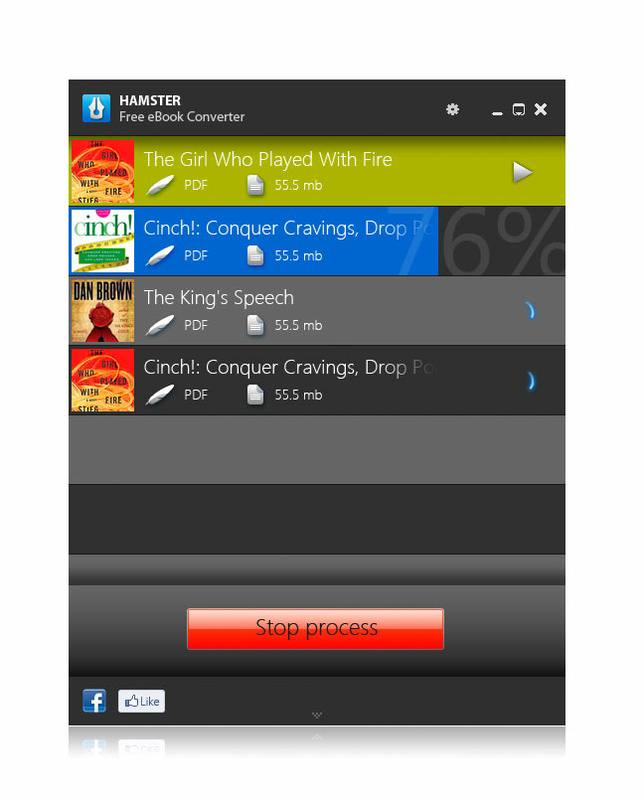
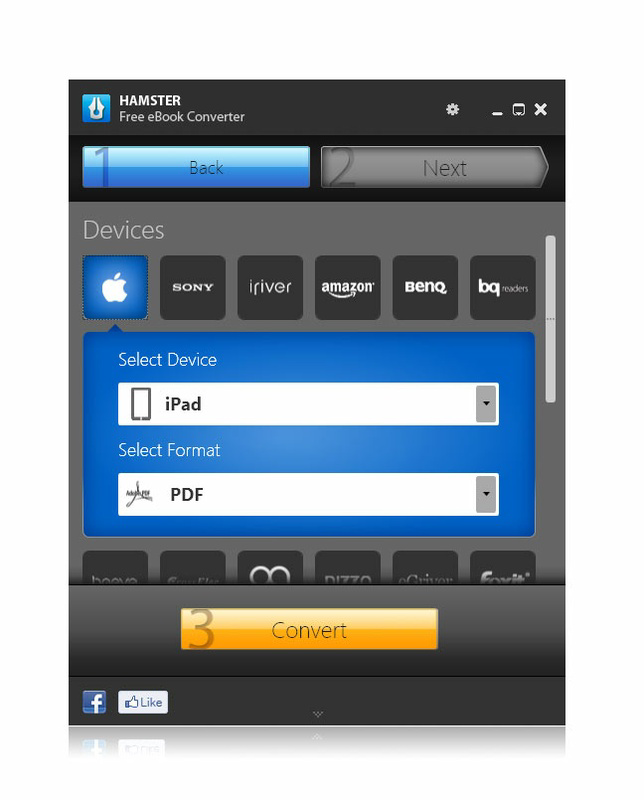
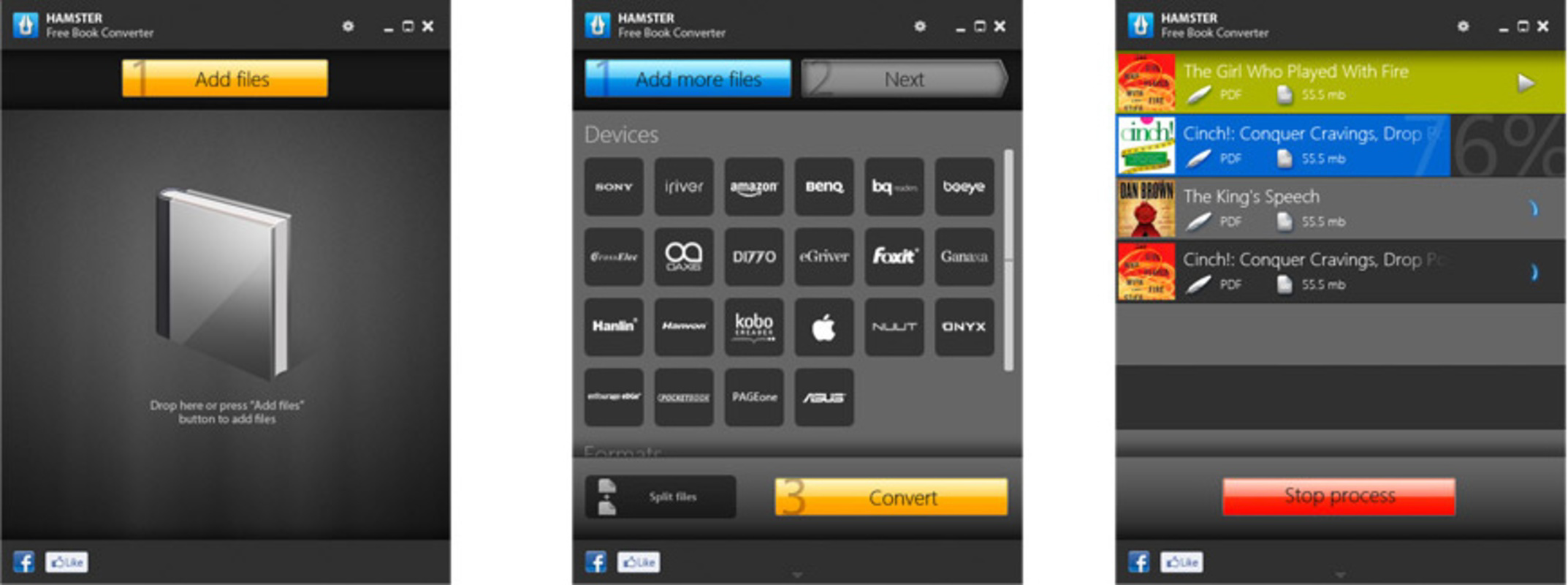
The user interface of Hamster Free eBook Converter is designed with simplicity and clarity in mind. The layout features a clean, minimalistic design with clearly labeled buttons and straightforward navigation. Users are presented with a file selection window, format dropdown menu, and a single “Convert” button, reducing cognitive load and minimizing errors. The visual style avoids clutter, focusing on functionality over decorative elements.
Navigational flow is linear and predictable: select file → choose format → start conversion. This consistency enhances usability across different user skill levels. Although the developer did not list formal performance metrics, the app’s compact size of 4.8 MB suggests efficient resource usage. The application launches quickly and processes files without apparent lag, indicating stable performance on standard Windows systems.
Responsiveness is maintained during file handling, with no reported crashes or freezes in the provided information. Stability appears to be a priority, especially given the app’s free nature and focus on reliability. The developer did not specify minimum OS requirements, so compatibility may vary across older or newer Windows versions. However, the lightweight footprint implies broad compatibility with most modern Windows devices.
Platform Compatibility & Technical Requirements
Hamster Free eBook Converter is available exclusively for Windows, making it a desktop-only utility. The app runs on the Windows operating system and is compatible with Windows versions that support the software’s architecture. The application version is 1.0.0.1, indicating it is a stable initial release.
The file size is 4.8 MB, which is relatively small for a functional utility. This suggests the app is optimized for fast downloads and minimal storage usage. The developer did not specify minimum OS requirements, so users should ensure their system meets general Windows compatibility standards. No additional dependencies or runtime environments are mentioned, which simplifies installation and reduces the risk of setup errors.
Compatibility information was not fully disclosed. However, the app’s lightweight design and lack of external dependencies imply broad support across Windows 7 and later versions. Users should verify system requirements through official channels before downloading.
Pros and Cons
Pros
- Free to download and use with no hidden costs or subscription models.
- Supports multiple eBook formats, enhancing cross-device compatibility.
- Simple, intuitive interface suitable for users of all experience levels.
- Small file size (4.8 MB) ensures fast installation and minimal storage impact.
- Available in over 40 languages, promoting global accessibility.
- Efficient batch conversion for managing large eBook collections.
Cons
- Platform limited to Windows; no support for mobile devices or macOS.
- Developer did not provide detailed system requirements or compatibility notes.
- Specific performance benchmarks or speed metrics were not listed.
- No cloud integration or automatic syncing features.
- Limited to desktop use, which may not suit users who prefer mobile reading workflows.
FAQ
Is Hamster Free eBook Converter safe to download?
Yes, the app is free and designed for Windows users. As with any software, it is recommended to download from official sources to ensure authenticity and avoid potential malware.
Can I convert multiple eBooks at once?
Yes, the app supports batch processing, allowing users to convert several files simultaneously, which improves efficiency when managing large collections.
Is the app available for Android or iOS?
No, the app is currently only available for Windows and is not compatible with mobile operating systems such as Android or iOS.
Does the app preserve formatting during conversion?
Yes, the converter is designed to maintain formatting, including fonts, layout, and images, where possible, to ensure a consistent reading experience.
How often is the app updated?
The app was released on May 10, 2024. Specific update frequency or future release plans were not disclosed by the developer.
Final Thoughts
Hamster Free eBook Converter delivers a focused, reliable solution for users who need to convert eBook files across platforms. Its lightweight design, multilingual support, and straightforward interface make it a practical choice for readers managing diverse digital libraries. While limited to Windows, the app excels in its core function: enabling seamless format transitions without complexity or cost.
Those who frequently transfer books between devices—especially between e-readers and desktops—will benefit most from this tool. Its value lies in eliminating format-related frustrations and providing a free, efficient alternative to paid software. For users seeking a simple, secure way to convert eBooks to PDF, EPUB, MOBI, or TXT, this app is a compelling option.
Download Hamster Free eBook Converter now to streamline your digital reading experience and enjoy your favorite books on any device.
Guides & Tutorials for Hamster Free eBook Converter
How to install Hamster Free eBook Converter
- Click the Preview / Download button above.
- Once redirected, accept the terms and click Install.
- Wait for the Hamster Free eBook Converter download to finish on your device.
How to use Hamster Free eBook Converter
This software is primarily used for its core features described above. Open the app after installation to explore its capabilities.
User Reviews for Hamster Free eBook Converter 0
No reviews found


